
ping is a 35-year-old tool that does exactly what it was designed to do: send an ICMP echo request to a host and see if it comes back. That tells you the host's network stack is responding. It tells you nothing about whether the actual service you care about is up.
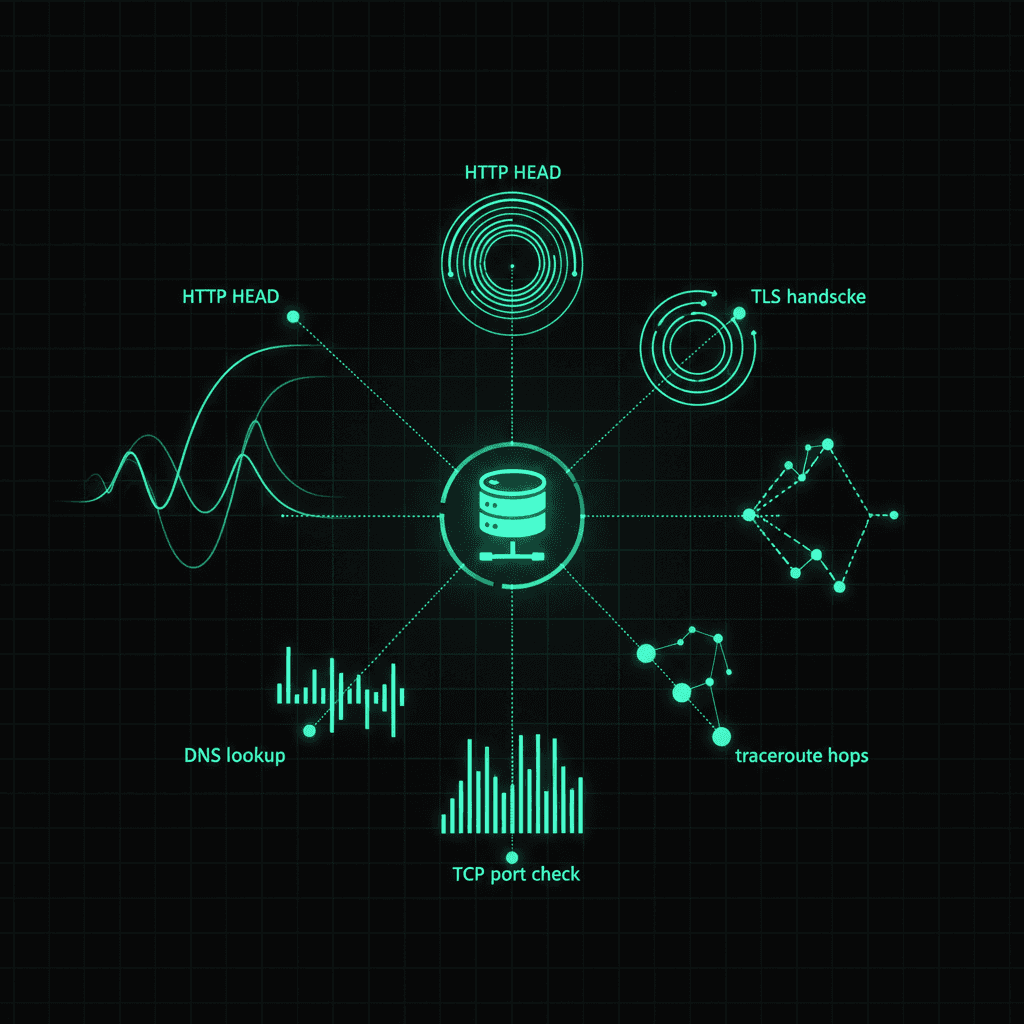
For modern services, ping is one signal out of many, and not always the most useful one. Here are five signals worth knowing, when each one matters, and how to combine them into a real connectivity check.
Why ping alone is rarely enough
A passing ping means the IP responds to ICMP. Reasons that's not what you actually want to know:
- Cloud load balancers often don't respond to ICMP. AWS NLBs, Azure Load Balancers, most CDNs. They pass traffic on TCP/UDP but never respond to pings. A failing ping against your production endpoint might just mean the LB drops ICMP, not that the service is down.
- Firewalls routinely block ICMP entirely. Corporate networks frequently rate-limit or drop ICMP to reduce attack surface. The host is up, the service is up, ping fails, and you've learned nothing.
- Ping doesn't tell you about latency on the service path. Two hops on the network are fast; the application server might be 10 seconds deep into a GC pause. Ping wouldn't notice.
- Ping doesn't tell you about TLS, auth, or HTTP errors. A server can respond to ICMP perfectly while serving HTTP 500 to every request.
For real connectivity checking, you want signals that actually test the path your users take.
Signal 1. HTTP HEAD
The single most useful "is the service up" check is an HTTP HEAD request against the actual endpoint your users hit.
HEAD /health HTTP/1.1
Host: example.com
What this tells you:
- DNS resolved
- TCP handshake completed
- TLS negotiated (if HTTPS)
- The web server responded
- The server returned a status code (you can require 200)
- The whole round-trip latency
That's five layers of the stack in one check. Everything between ping and "the service is healthy" except the application logic itself.
The ping test tool on Trace Warrior uses HTTP HEAD specifically because raw ICMP isn't available on serverless platforms (Vercel doesn't allow raw socket access). For most practical use cases, HEAD is the better signal anyway.
Signal 2. TLS handshake completion
If your service is HTTPS, the TLS handshake itself is a useful check. A failure here tells you something specific:
- The hostname resolves
- The TCP port (usually 443) is reachable
- The server is presenting a certificate
- The certificate chain validates
- The certificate is not expired
- The certificate's SAN list includes the hostname
You can verify this with the SSL certificate checker. It runs a real TLS handshake against your endpoint and surfaces the certificate details plus any chain issues.
A common failure mode: your domain works in Chrome but not in older clients because the cert chain is missing an intermediate. A regular HTTP HEAD probably masks this because most modern clients fetch missing intermediates automatically. The TLS handshake check surfaces it explicitly.
Signal 3. DNS resolution
Before any of the other signals can succeed, the hostname has to resolve. A surprising amount of "the site is down" turns out to be "DNS is misconfigured."
The DNS lookup tool lets you query authoritative servers directly. If you suspect DNS issues, this is the first check. Don't trust your local resolver because it may be serving cached data.
Things to check:
- A record returns the expected IP
- AAAA record exists if you support IPv6
- TTL is reasonable (not stuck at 7 days)
- MX records match what you expect (if mail matters)
DNS issues are particularly nasty because they're often invisible from inside your monitoring (which uses its own resolver) but very visible to users (whose ISP resolver might be lagging).
Signal 4. TCP port check
If HTTP HEAD fails but ping works, the next question is: did the TCP connection succeed? A port check against the specific port your service uses (443 for HTTPS, 22 for SSH, etc.) tells you whether the application accepted a connection.
Three possible outcomes:
- Open - the application accepted the TCP connection. The service is at least listening.
- Closed - TCP RST returned. The host is up but no process is listening on that port. Often means the service crashed.
- Filtered - no response at all. Usually means a firewall is silently dropping the packet. This is the failure mode that's hardest to debug because you get the same symptom as "host is down."
The distinction between closed and filtered is the most useful debugging signal. Closed means "the network is fine, the application is gone." Filtered means "the network is preventing me from talking to the application."
Signal 5. End-to-end transaction
The final signal, and the most important for any business-critical service, is an actual end-to-end transaction. Not just "the endpoint responds," but "the endpoint does what it's supposed to do."
For a web app this might be:
- Hit
/healthand verify a 200 - Hit
/api/products?id=1and verify a JSON response containingid: 1 - Hit
/api/auth/sessionand verify the response has an authenticated session - Submit a known test order and verify it appears in the database
This kind of synthetic check catches the failures the others miss: the application is up, TLS is fine, ports are open, DNS is correct, but the database connection pool is exhausted and every request returns 500. Only a real transaction-level check notices.
Most monitoring platforms (Pingdom, Datadog, UptimeRobot) support these as "synthetic transactions." Even a simple cron job hitting a known endpoint and checking for an expected substring is meaningfully better than a ping.
Combining signals into a tiered check
For any service worth monitoring, you want at least three tiers:
Tier 1. Fast canary (every 30s)
- HTTP HEAD against
/health - Fail = page
Goal: catch hard outages quickly. Latency budget under 500ms.
Tier 2. Path check (every 2 minutes)
- DNS resolution from multiple regions
- TLS handshake
- Port check on critical ports
- Fail = warn
Goal: catch network-layer issues that the canary misses.
Tier 3. Synthetic transaction (every 5-10 minutes)
- Real end-to-end transaction
- Verify expected response content, not just status
- Fail = page (with detail about which step failed)
Goal: catch application-level failures where the infrastructure is fine but the service is broken.
Three tiers cost almost nothing to run, give you both fast detection and meaningful diagnostics when something fails, and dramatically improve your time-to-resolution compared to "ping is failing, the site must be down."
When ping is the right signal
This isn't a "ping is bad" argument. Ping is the right signal for specific things:
- Network-layer latency testing. Ping is still the cleanest measure of round-trip time on the underlying IP path.
- Initial connectivity smoke test when you've just configured a network and want to confirm the basics work.
- Diagnosing routing issues. Ping with TTL manipulation (traceroute) is unmatched for understanding the path your packets take.
For these uses, ICMP echo is exactly the right tool. Just don't extrapolate "ping works" to "my service is healthy". Those are different facts.
The takeaway
ping is a 35-year-old single-purpose tool. It is useful, but it tests one specific thing: ICMP echo reachability of an IP. For knowing whether your actual service is up, you want signals that exercise the actual path your users take: DNS, TLS, the application port, the application response.
The ping test tool, SSL certificate checker, DNS lookup, and port checker on Trace Warrior cover the first four signals between them. Combine those with a synthetic transaction against your own application and you have an actual monitoring stack rather than a ping that doesn't tell you anything when it fails.